How to Chin Mount an Action Cam on Your Motorcycle Helmet AGV K6 CORSA R and SHOEI X-Fourteen
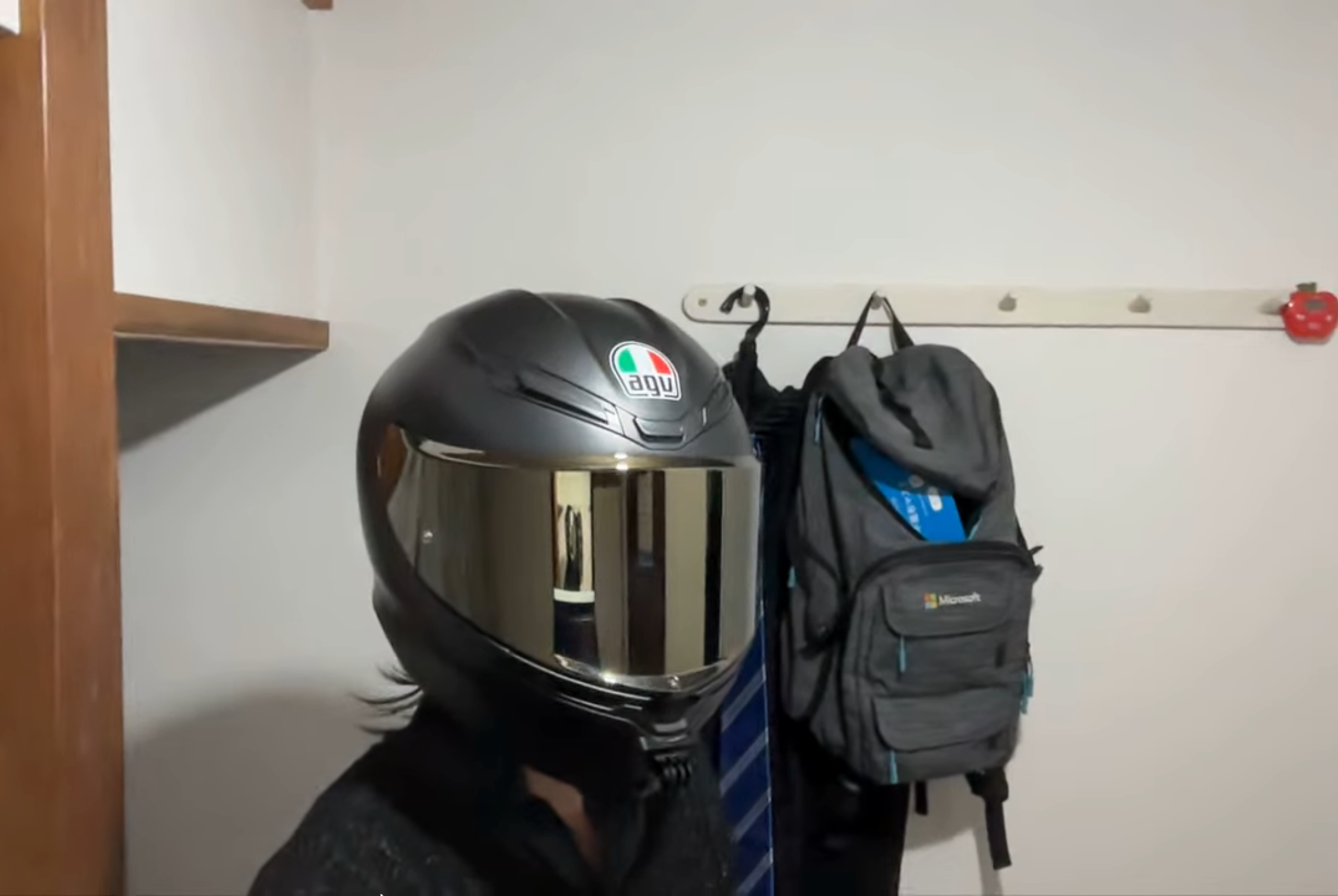
Have you ever heard of “MotoVlog"?
If you landed on this article, chances are you’re already familiar with the term. MotoVlogging (a combination of “Motorcycle" and “Video Weblog") is the practice of recording riding footage to document your journeys on two wheels.
Whether you add voiceovers using an external mic or post your videos to platforms like YouTube, have you ever wondered how creators capture such immersive POV (Point of View) footage?
Having used multiple helmets and different action camera form factors, I’d like to share a comprehensive guide on how to set up a helmet chin mount—the absolute best setup for capturing realistic, dynamic riding videos.
1. Two Main Action Camera Form Factors
Most action cameras today share a similar rectangular shape, pioneered by GoPro. However, back around 2016, Sony released action cameras with a bullet/cylindrical shape, which drastically alters how and where you can mount them.
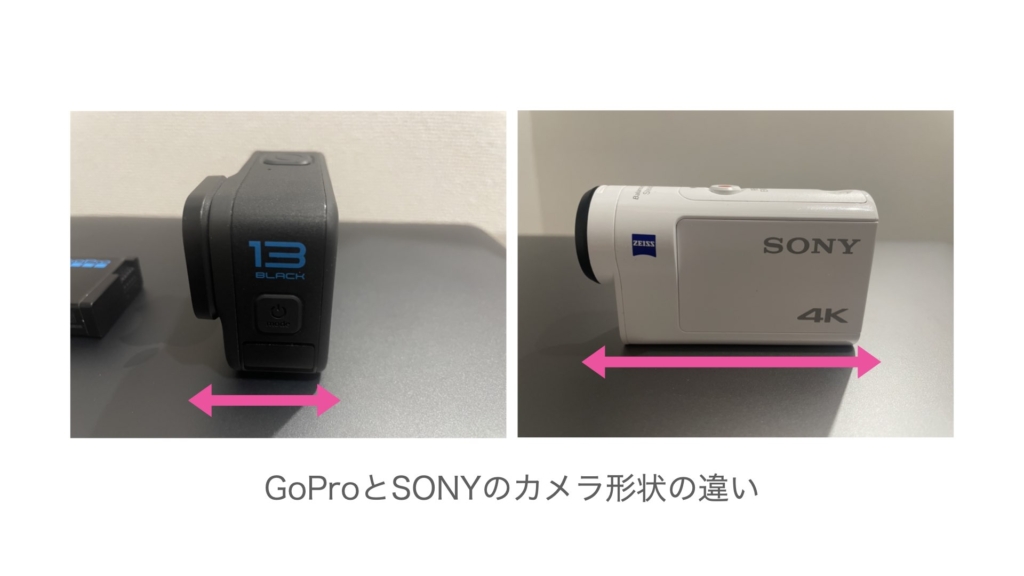
Cylindrical Cameras (e.g., Sony FDR-X3000)
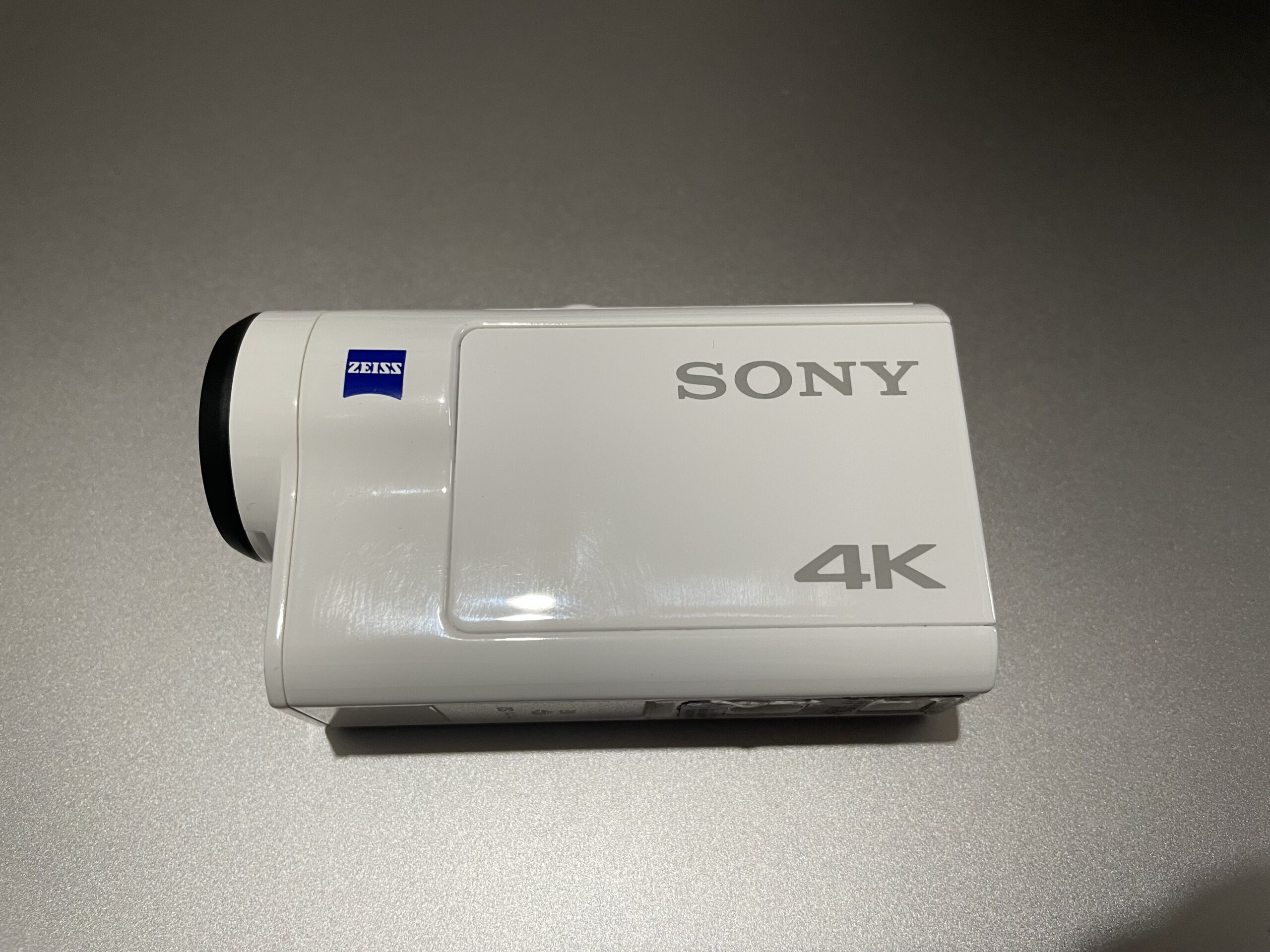
Cylindrical action cameras are long horizontally in the direction the lens points.
Because of this shape, mounting options are mostly limited to:
- Side Mount (attaching to the side of the helmet)
- Top Mount (attaching to the top of the helmet)
While you could technically force a chin mount, the camera would stick out awkwardly far forward, which I don’t recommend.
I once tried using a backpack strap mount to record riding footage, but I ultimately ended up selling the camera. I really wanted to record the exact landscape I was looking at and keep the camera centered with the motorcycle’s fuel tank.
(Note: Sony likely chose this cylindrical form factor to accommodate Optical SteadyShot image stabilization. While this was great for night rides, modern electronic image stabilization in other brands has caught up significantly, making form factor and mounting flexibility a higher priority.)
Rectangular Cameras (GoPro, DJI, Insta360)
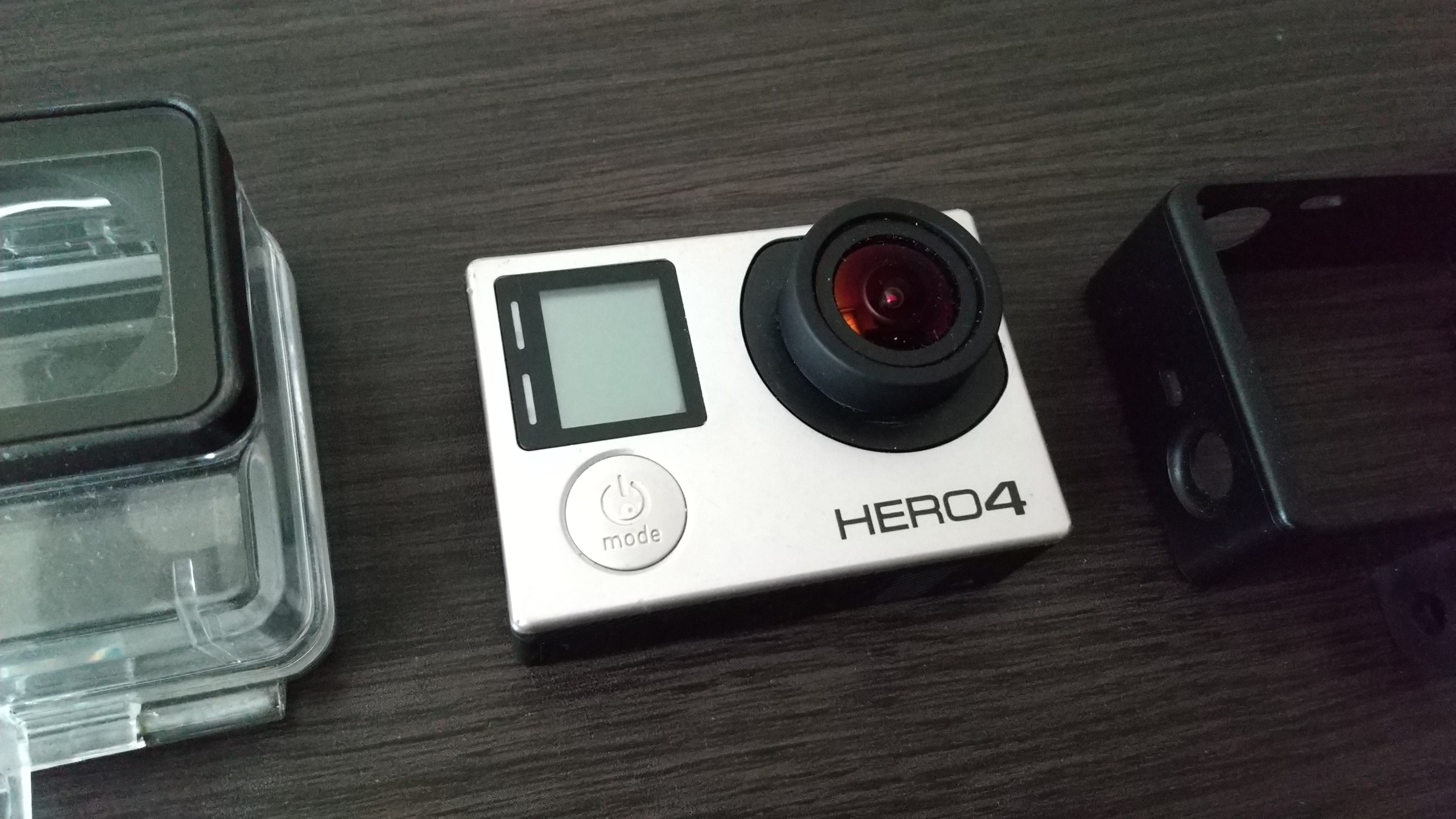
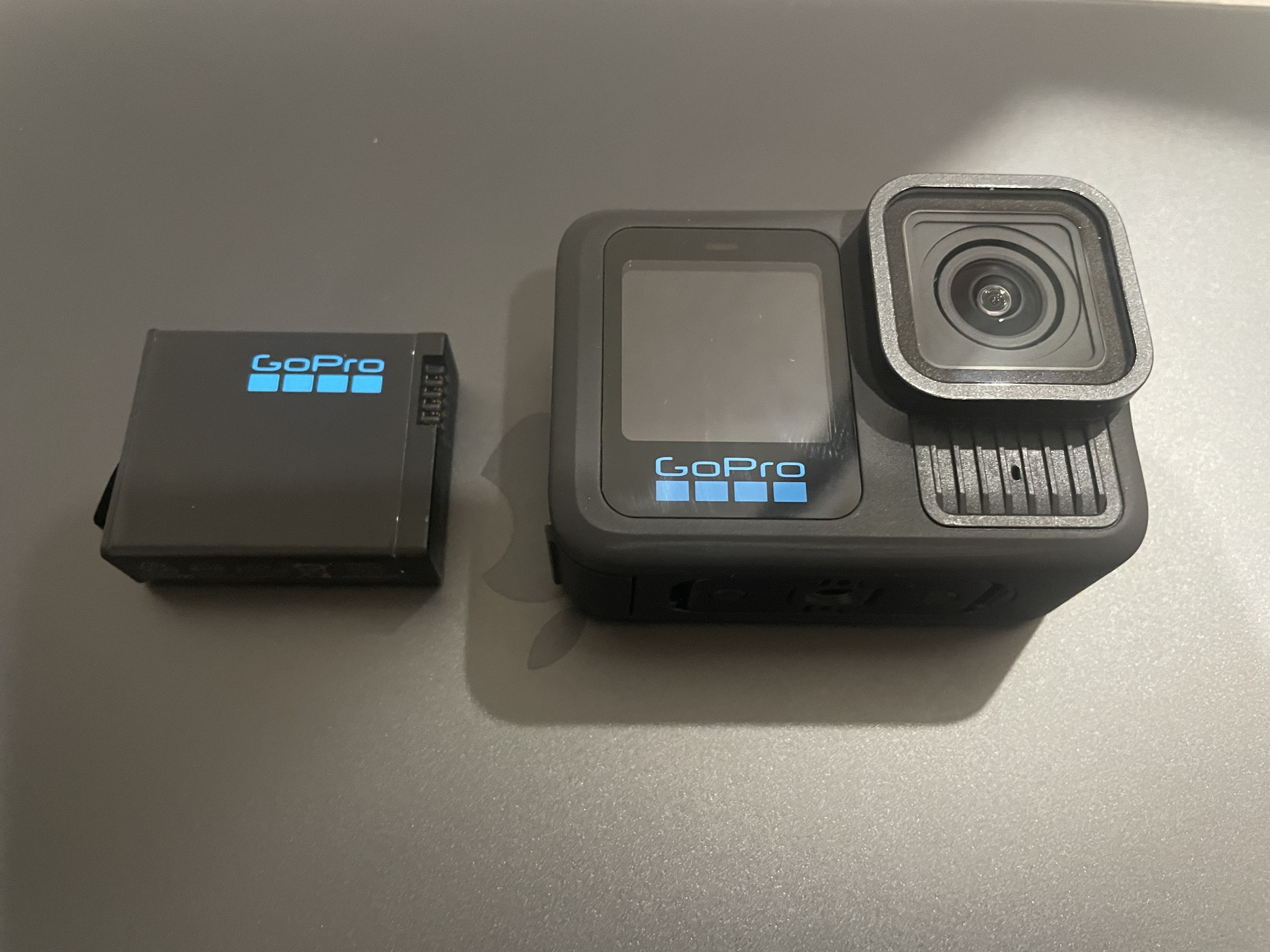
Unlike Sony, brands like GoPro, DJI (Osmo Action series), and Insta360 (Ace Pro series) design their cameras with a shorter front profile.
This compact, rectangular shape is extremely well-suited for chin mounting. If your goal is to shoot from a balanced chin-mount angle, a rectangular action camera is definitely the way to go.
2. Three Ways to Chin Mount & Their Pros/Cons
Here are three practical ways to set up a helmet chin mount, based on my real-world experience.
Method 1: Custom/Helmets-Specific Custom Mounts
The cleanest and most aesthetic method is buying a custom mount base designed specifically for your helmet model. These mounts feature strong 3M adhesive on the back tailored to the exact curve of the helmet’s chin.
- Pros: Looks extremely sleek, seamlessly integrated into the helmet design.
- Cons: Only available for specific helmet models; generally more expensive than universal accessories.
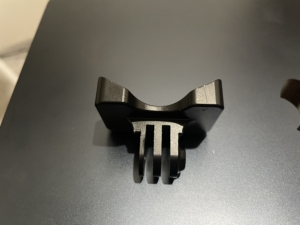
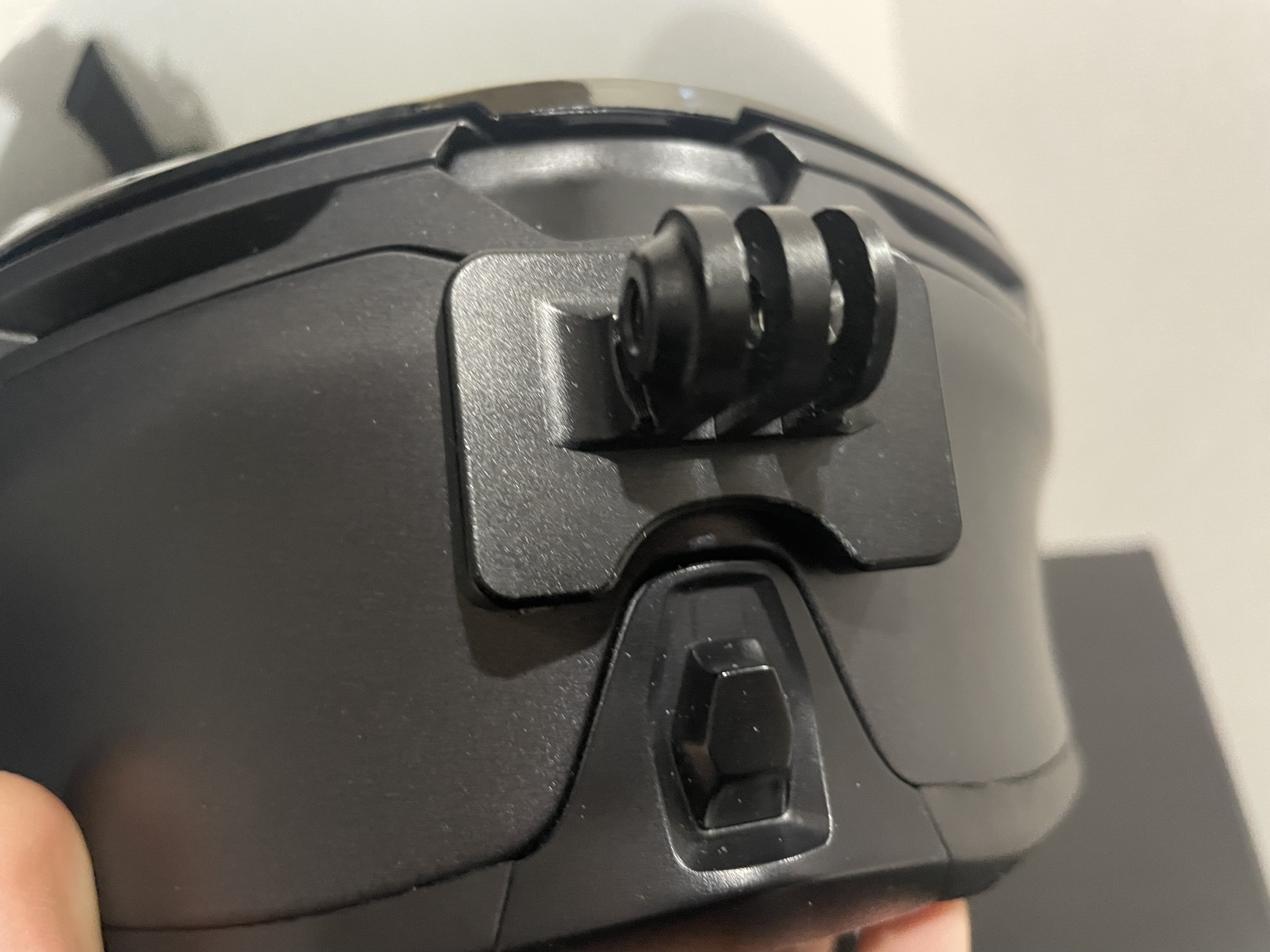
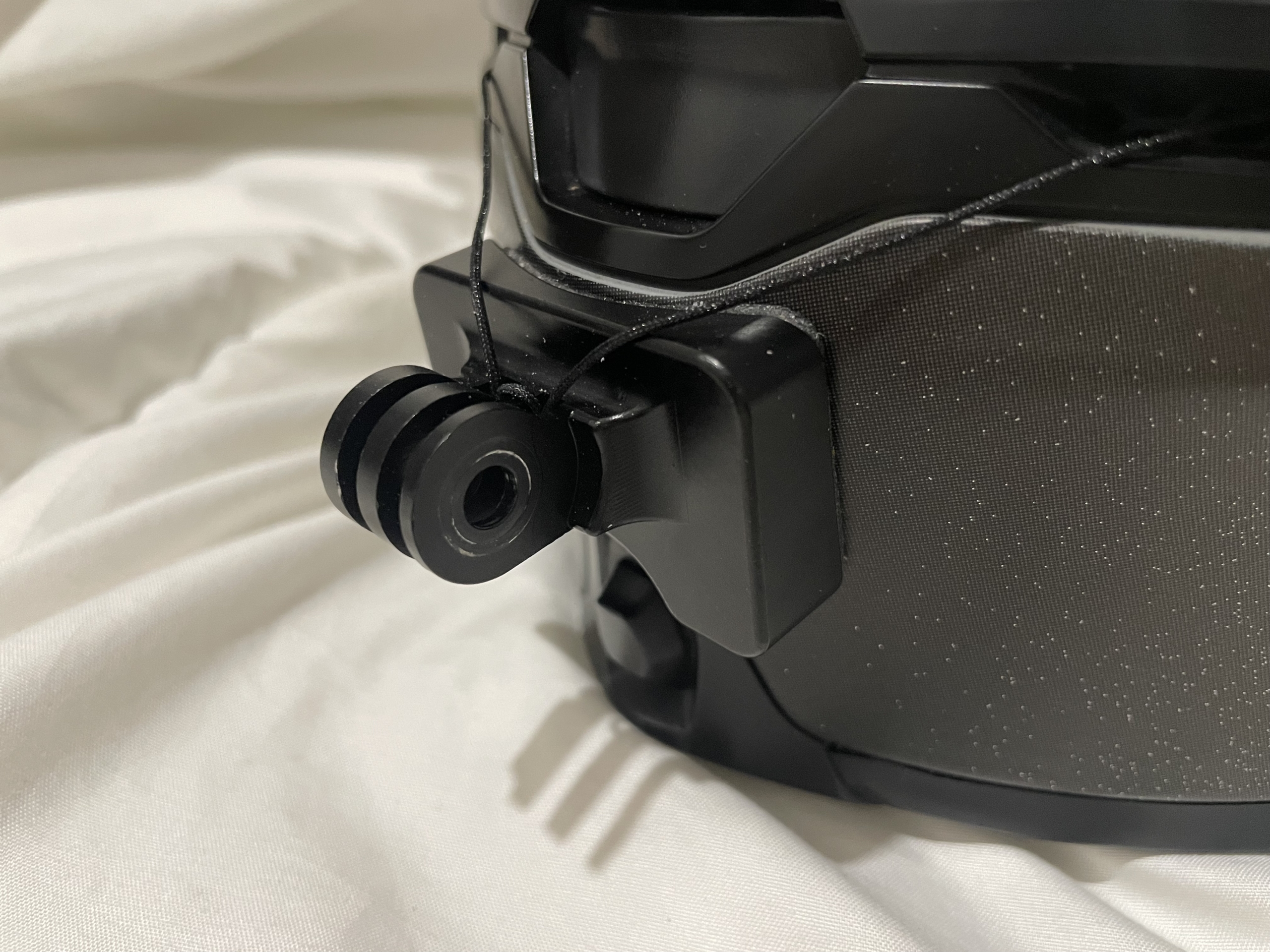
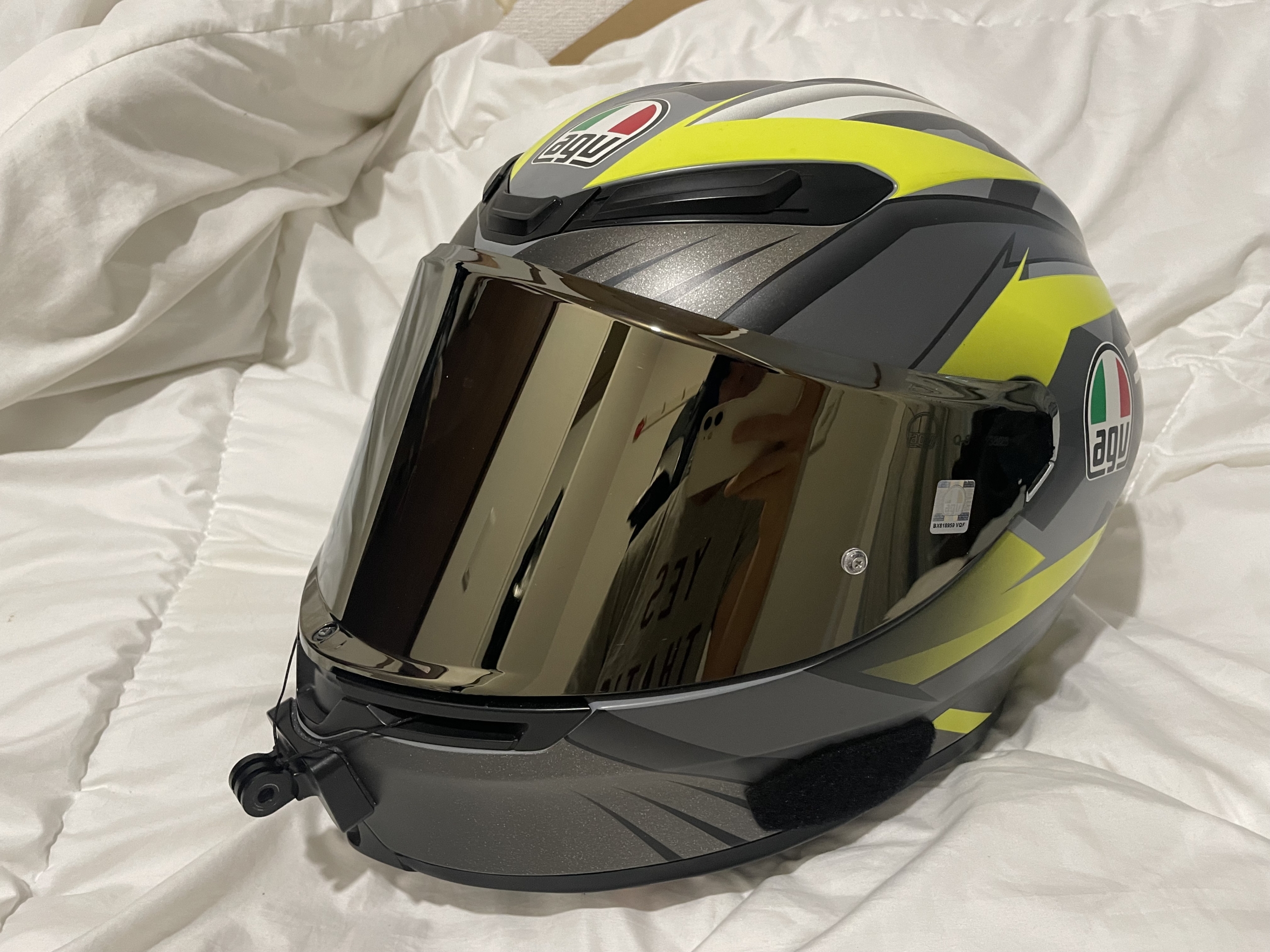
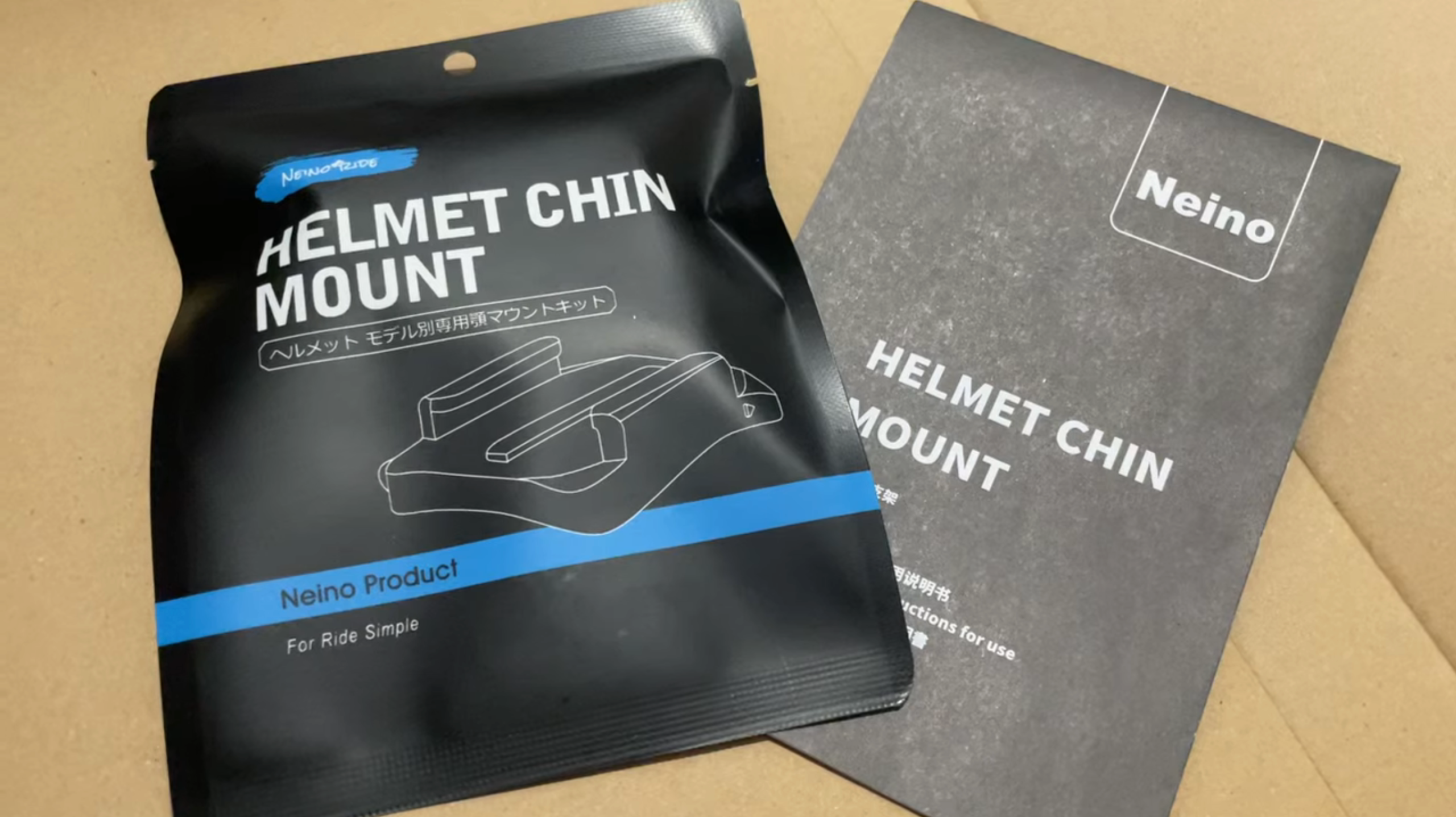
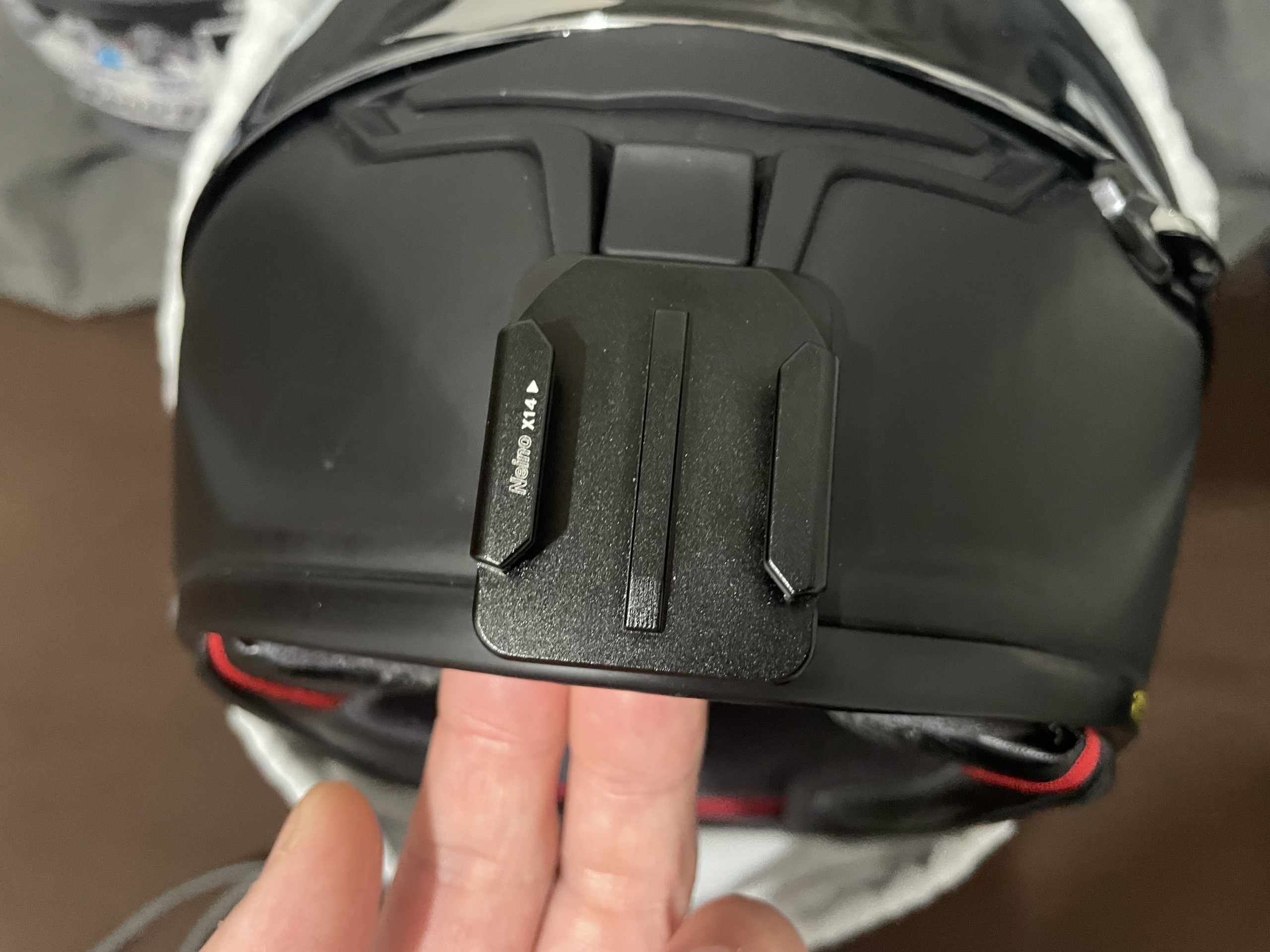
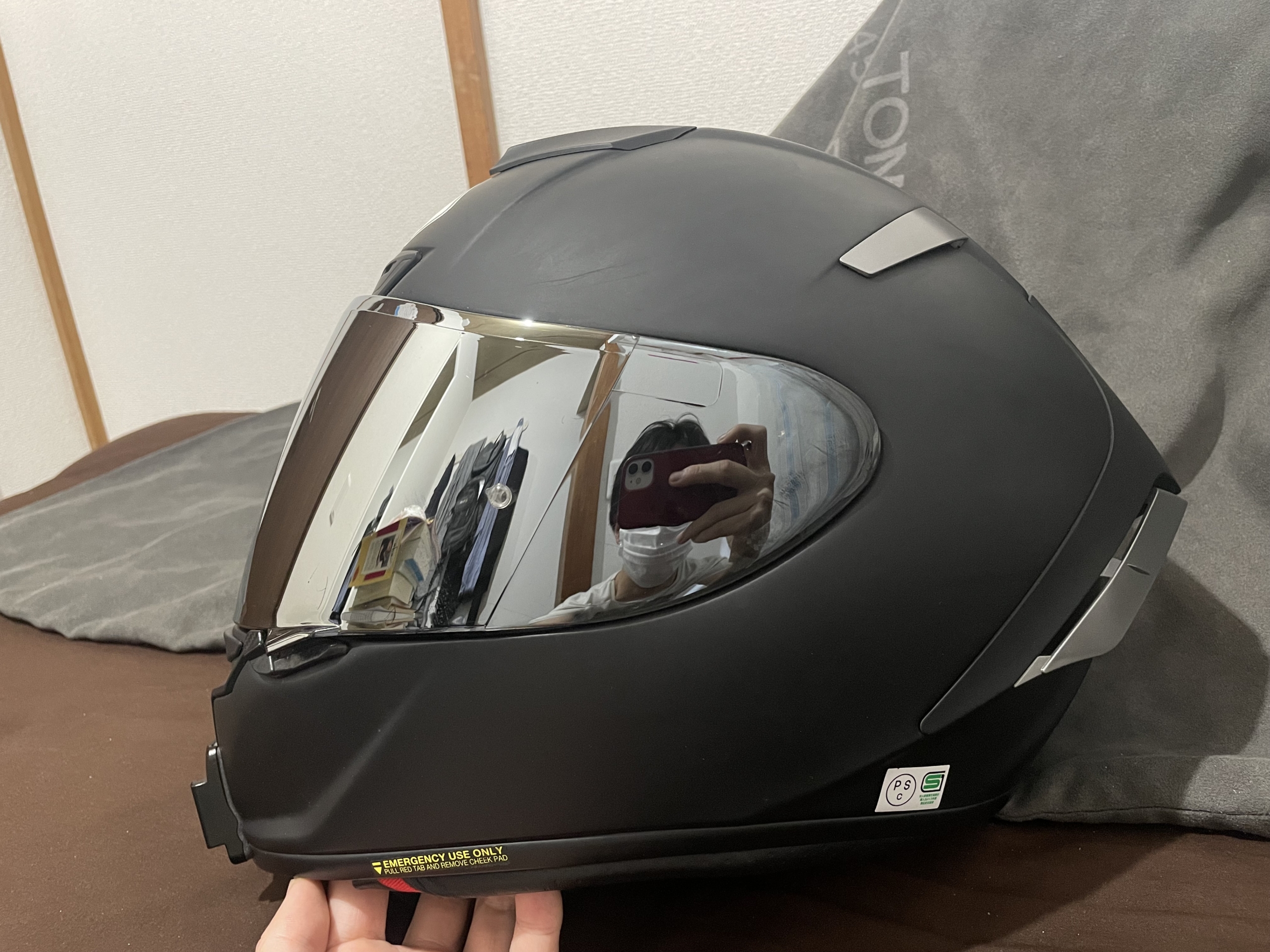
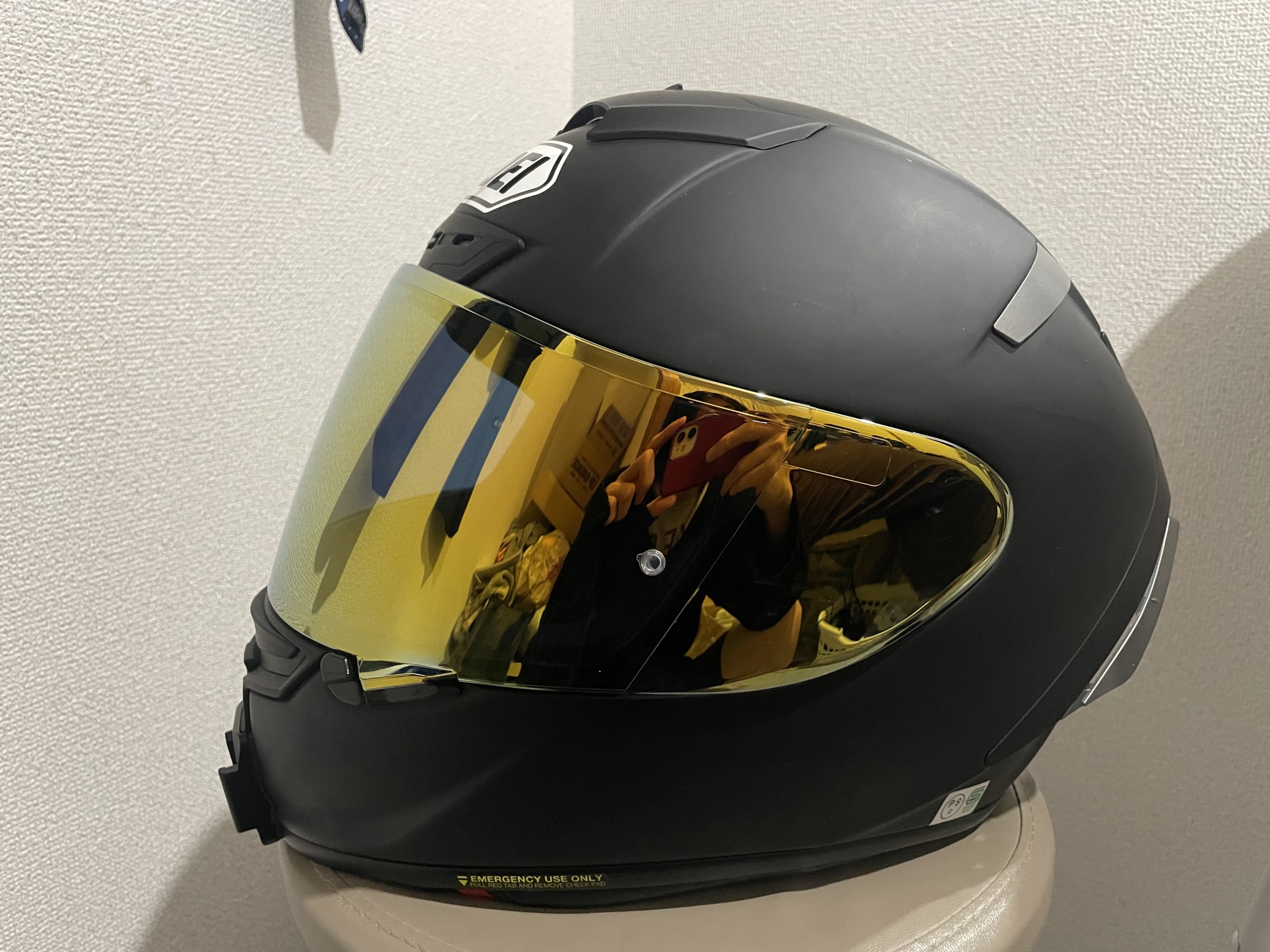
(Example: Custom mounts for AGV K6 or SHOEI X-Fourteen / X-14).
Tip: If you can’t find a dedicated mount for your specific helmet, using a specialized adhesive/sealant to fill the gap between a generic mount and the helmet surface can work as a workaround (though it takes extra effort to clean up later).
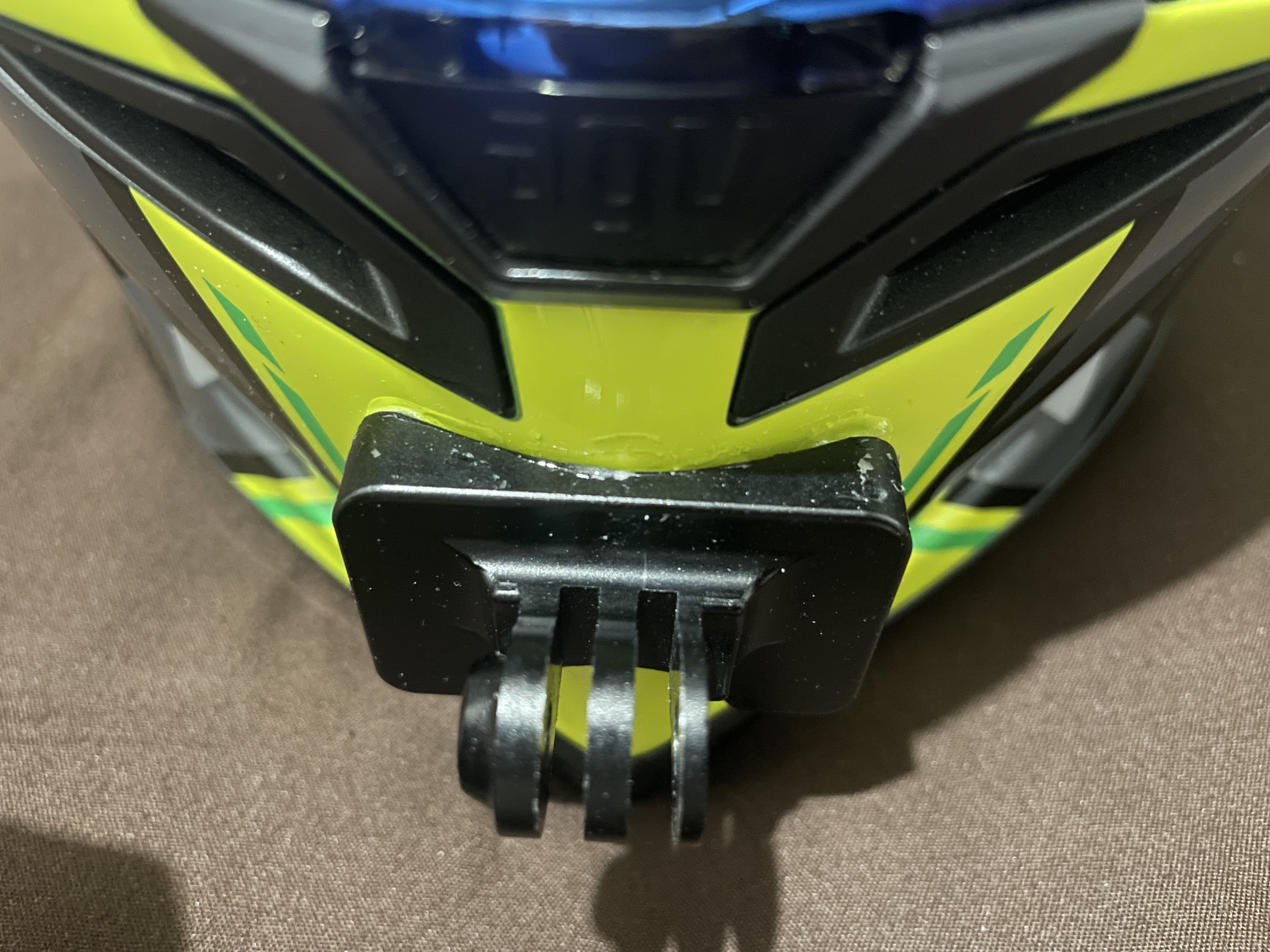
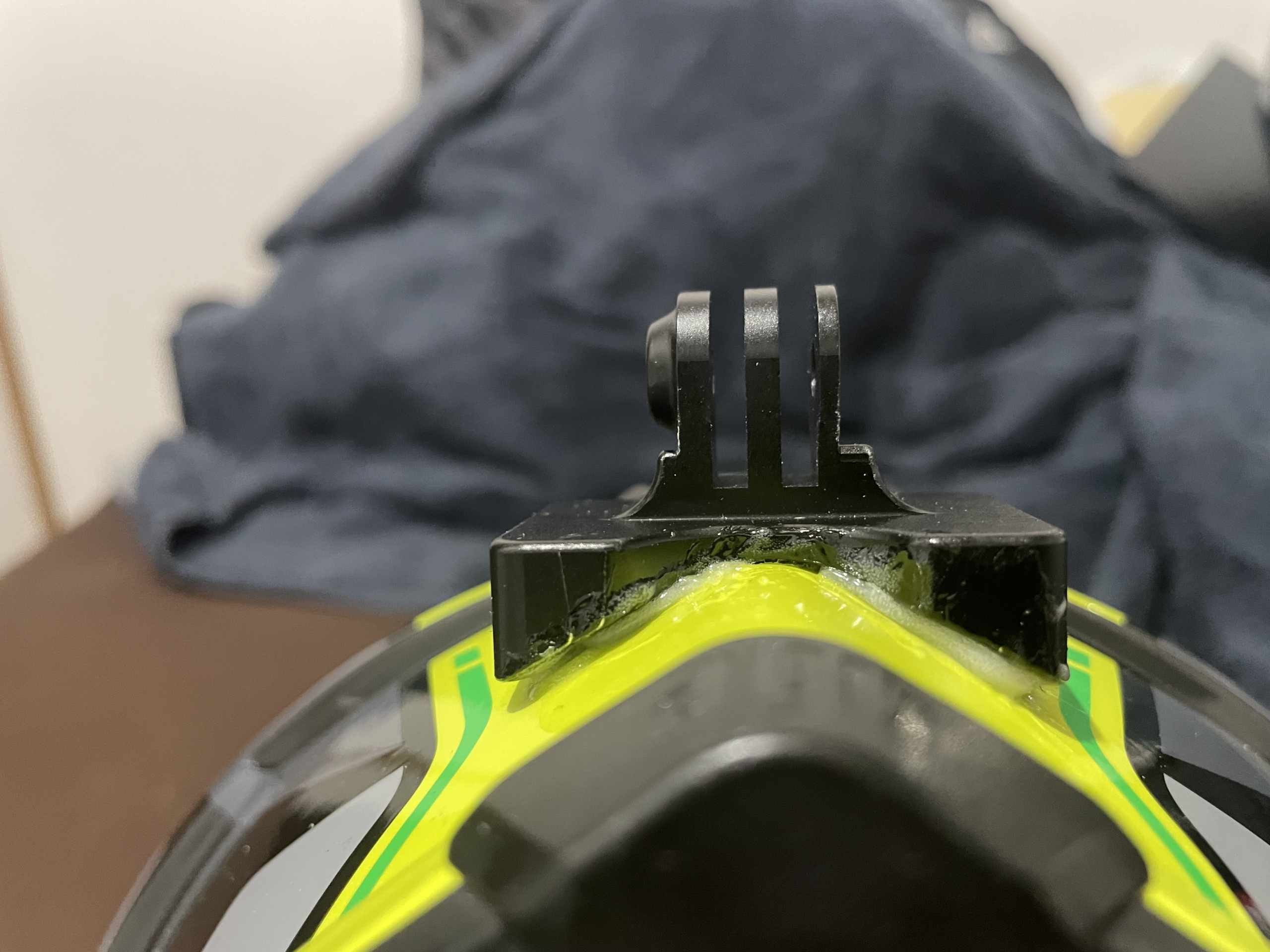
Method 2: Assembling Extension Pivot Arms (The Classic Style)
This is the traditional MotoVlog approach: attaching an adhesive base near the side of the chin area and using multiple GoPro extension joints/arms to position the camera directly in the center.
- Pros: Most affordable option; allows precise centering of the lens; high adjustability.
- Cons: Adds extra components (and weight) to the helmet; looks bulky.
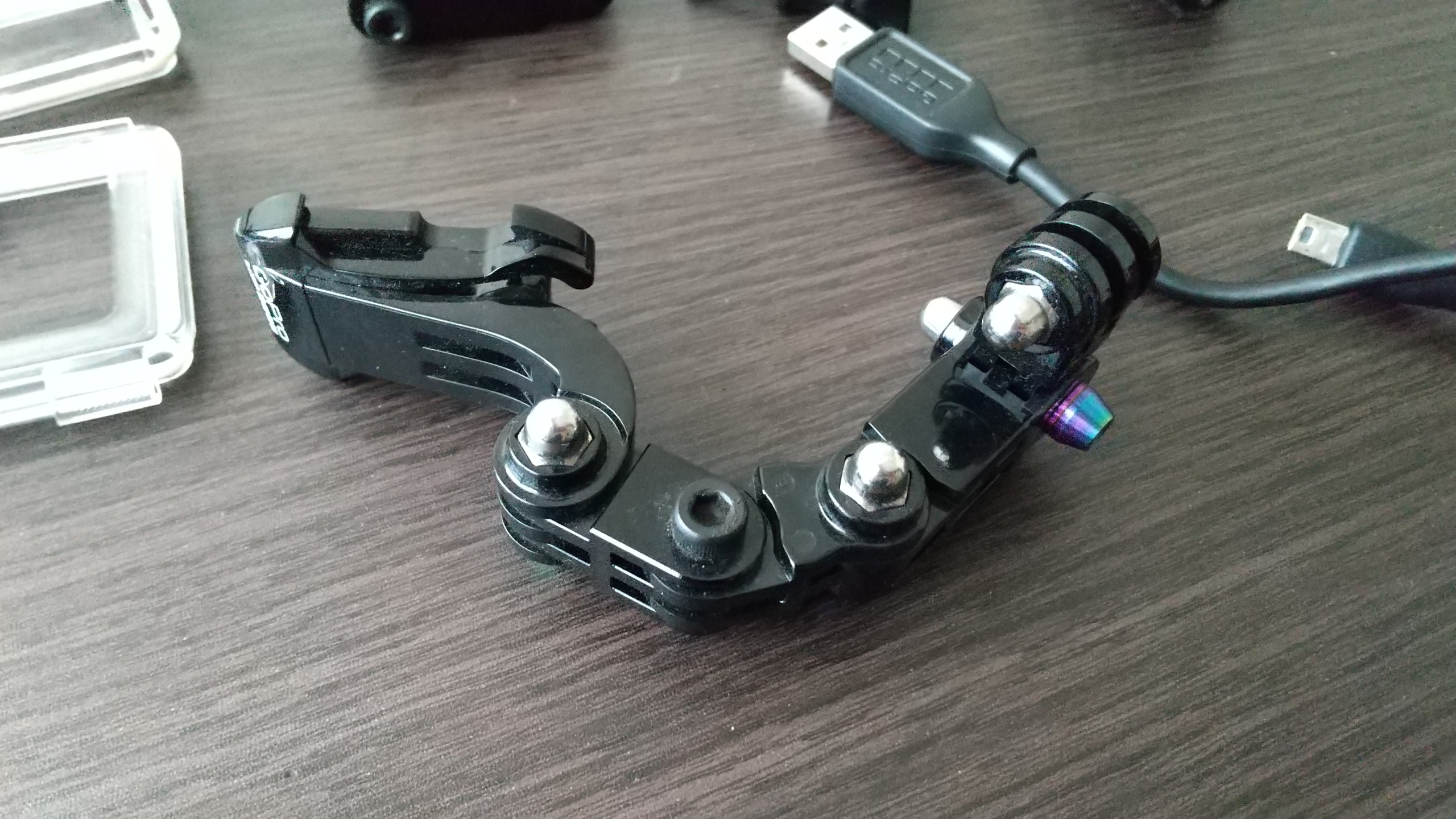
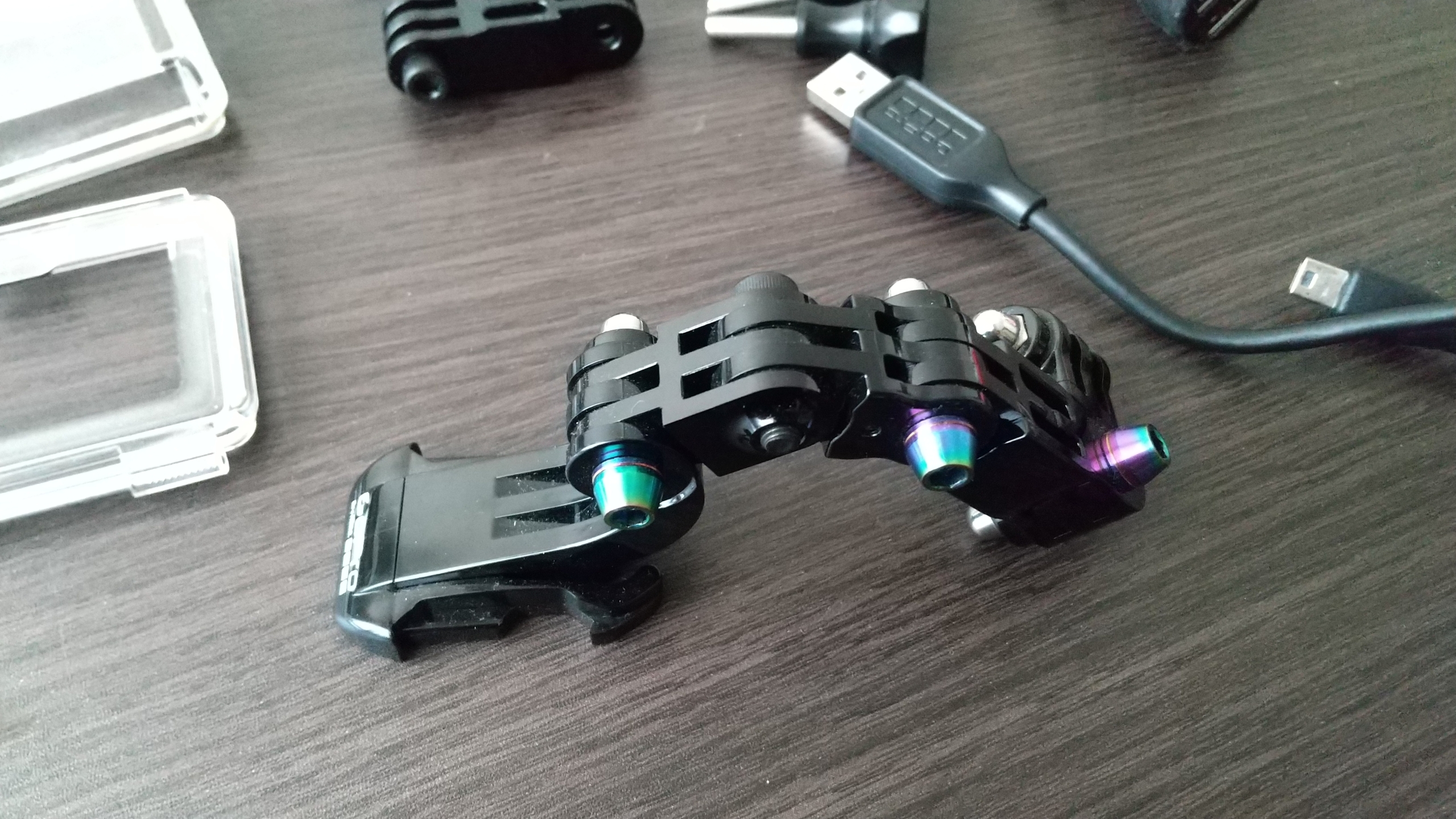
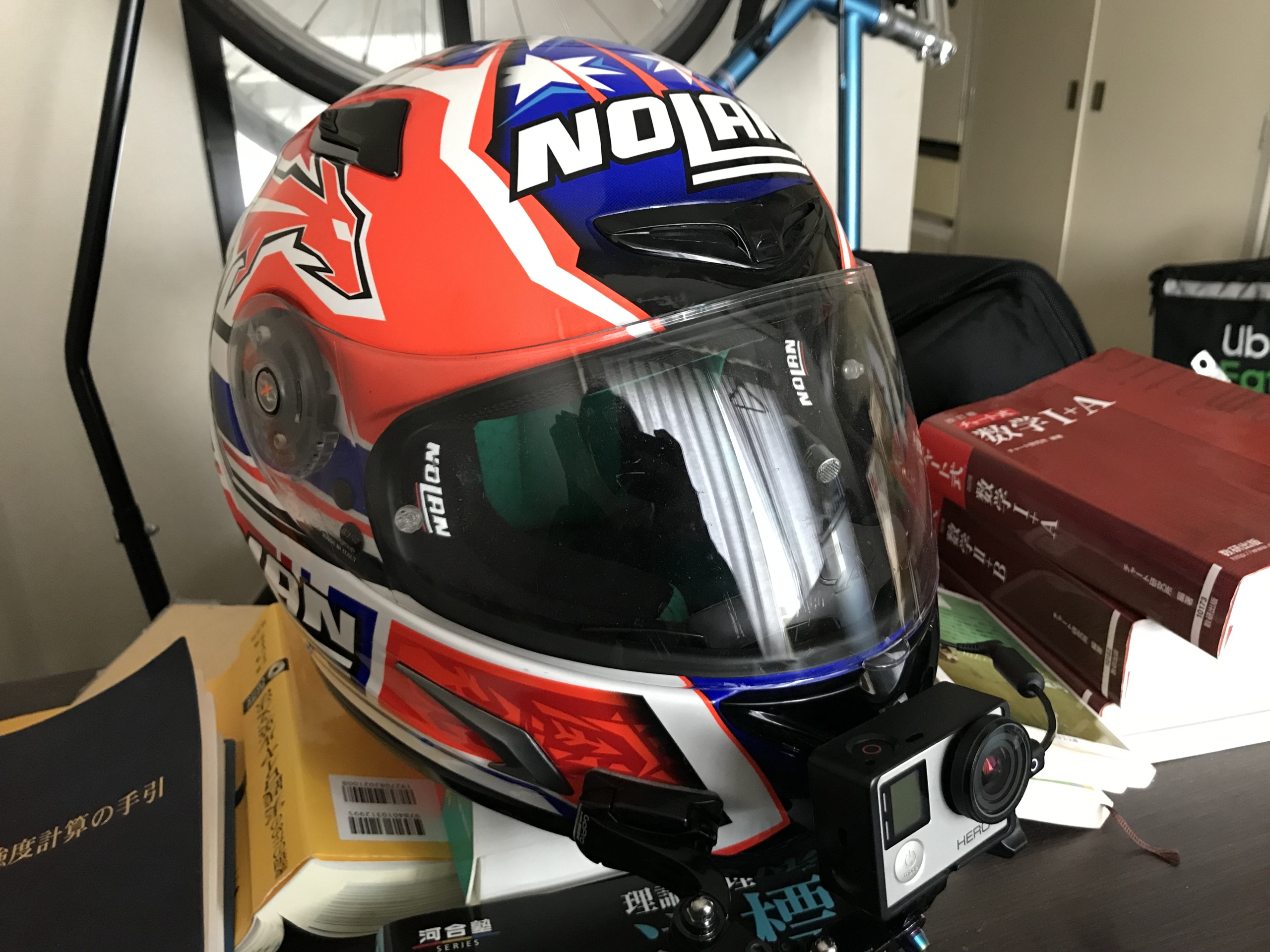
Though fewer people use this method today, it remains one of my top recommendations due to its cost-effectiveness and flexibility. (Modern ball-joint accessories make adjustments even easier!)
Method 3: Flexible Strap Mounts (e.g., GoPro Gumby)
If you don’t want to stick anything permanently to your helmet, you can use a flexible strap/clamp mount around the chin bar.
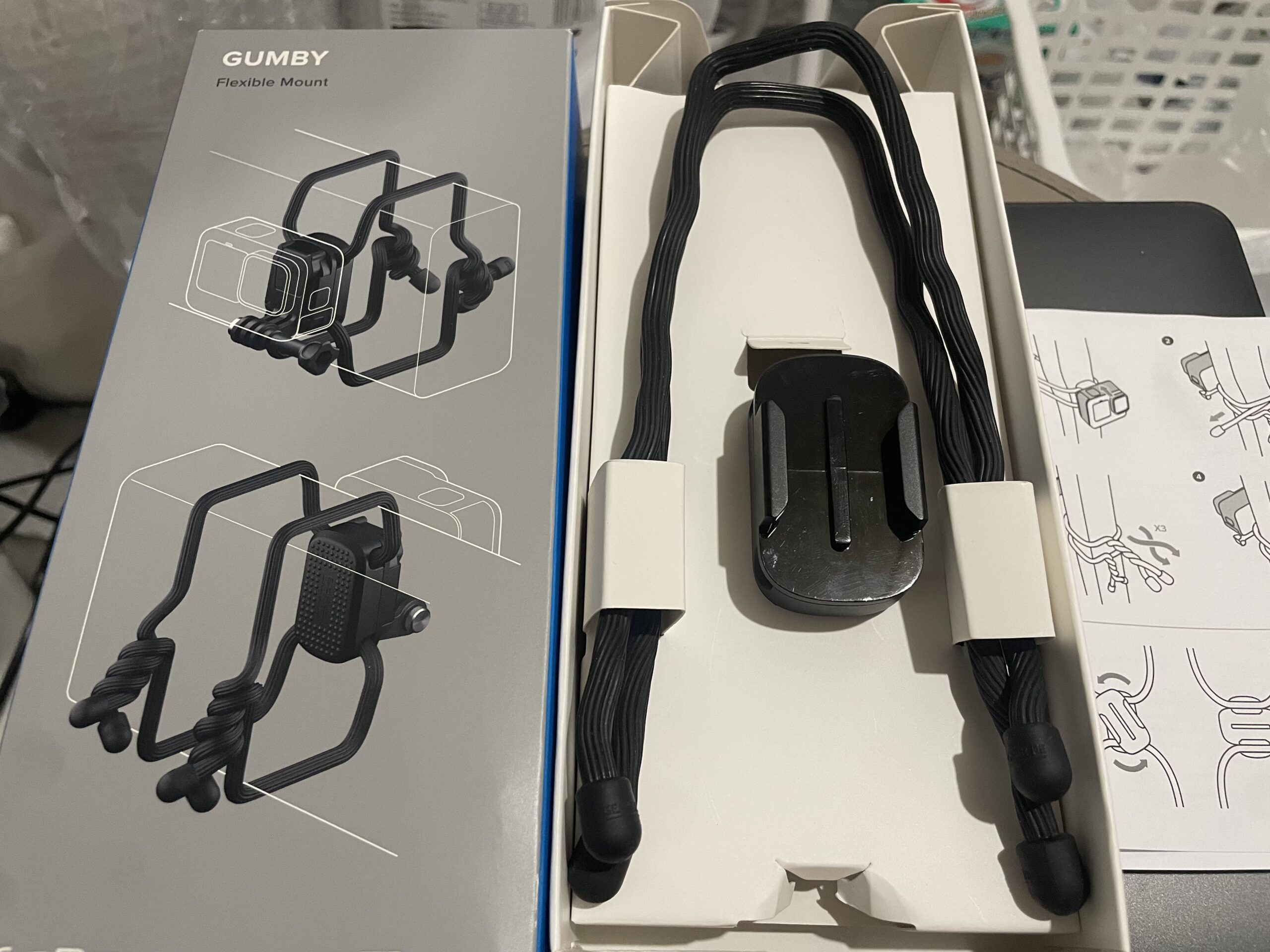
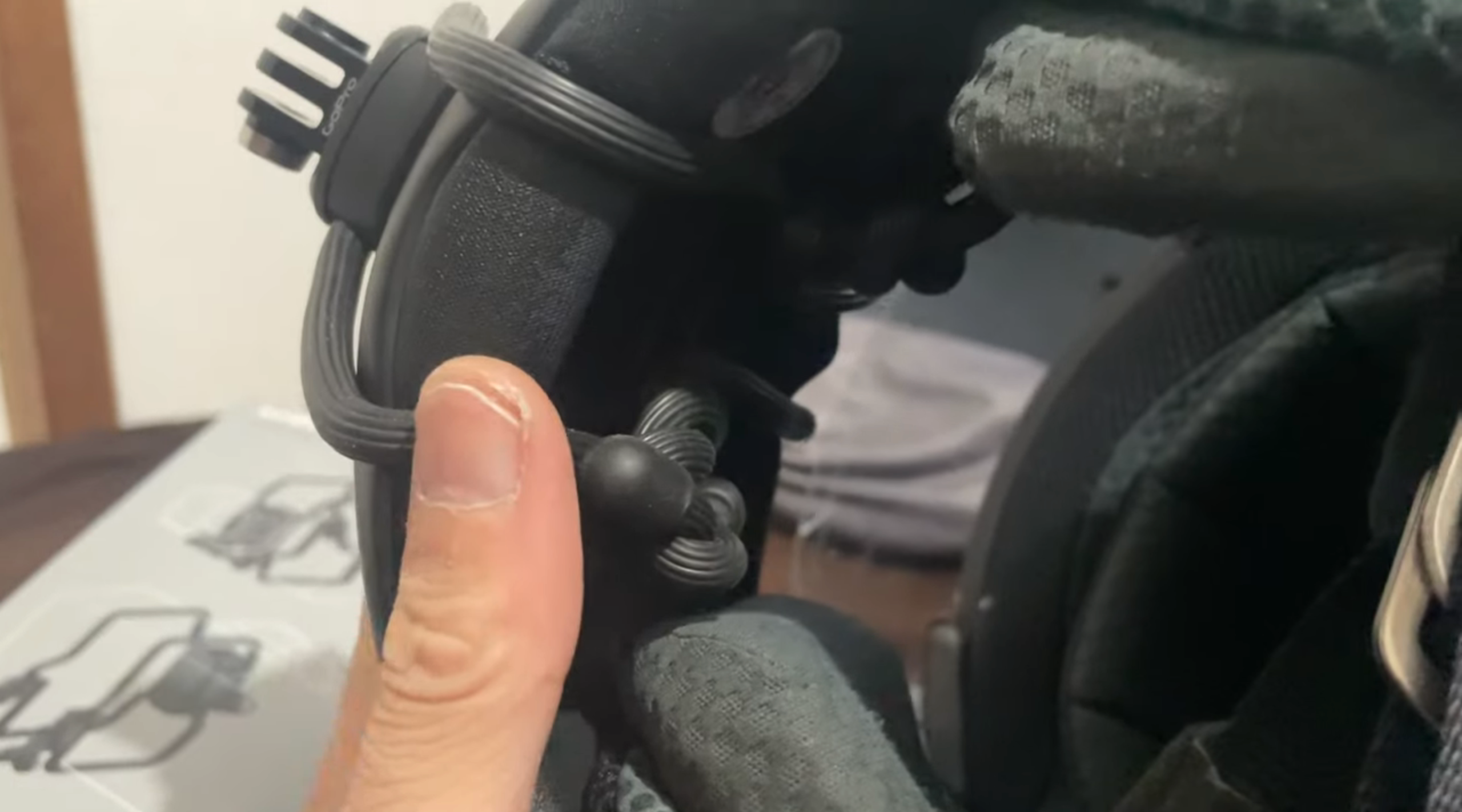
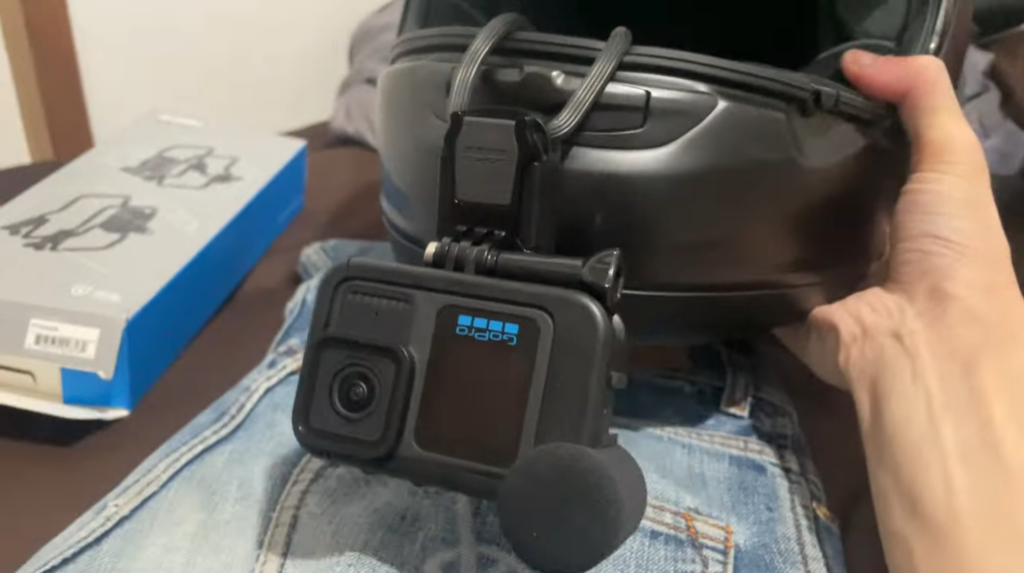
- Pros: Easy to attach and remove at any time; no permanent modifications to your helmet.
- Cons: For full-face helmets, the straps may prevent the visor from closing completely and can feel cramped inside the helmet near your mouth.
3. Important Consideration: Mount Base Style & Quick Release
One crucial detail often overlooked when choosing a chin mount base is whether it supports a Quick Release buckle (J-hook).
Standard GoPro packages usually come with a quick-release buckle and thumbscrew. However, some custom helmet mounts (like certain AGV K6 mounts) only feature direct screw-mount tabs without quick-release slots.
Why this matters:
If a mount base lacks quick-release support, attaching the camera directly via the main screw places it too close to the helmet. This severely limits your tilt/angle adjustments. To get a decent field of view, you end up having to buy additional extension joints anyway, making the setup bulky.
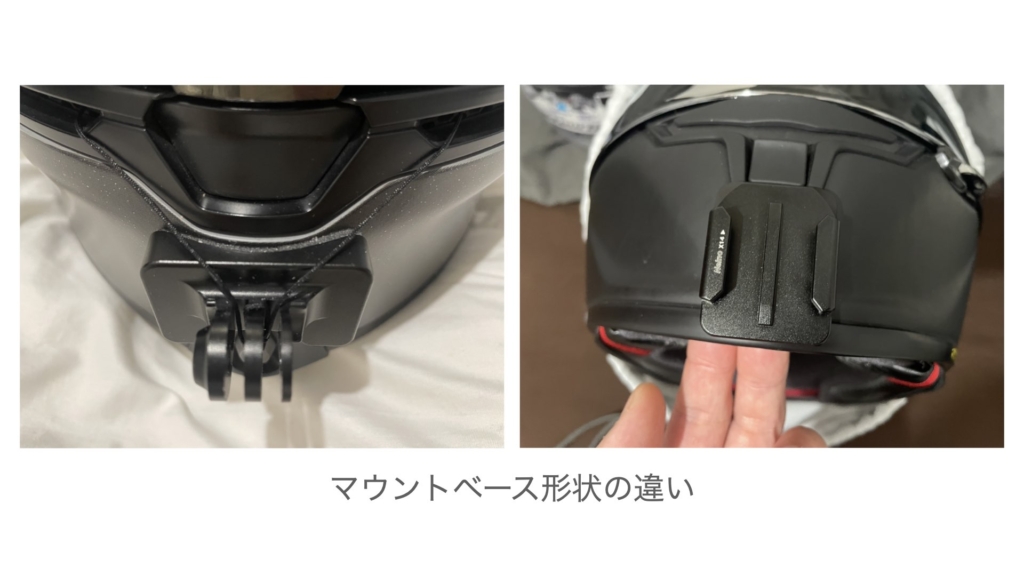
On the other hand, mounts designed for quick-release buckles (like many SHOEI X-Fourteen mounts) allow you to easily snap the camera on/off when not in use, while providing enough clearance for proper angle adjustments out of the box.
If you are shopping for a chin mount base, I strongly recommend choosing one that supports quick-release mounts from the start!